
Canva Magic Studio Review
In the fast-paced digital world of 2025, solopreneurs are constantly looking for ways to do more with less. Design has always been a major bottleneck—until now. With the release of Canva Magic Studio, AI has been integrated so deeply into the platform that it’s changing how we create visual content. But is it actually good, or just a bunch of hype? In this deep-dive review, we’ll explore the features that matter most to your business.
What Exactly is Canva Magic Studio?
Canva Magic Studio is not just a single tool; it is a comprehensive suite of AI-powered features designed to automate the design process. Unlike other AI tools that require complex prompts, Canva has made AI accessible to everyone. Whether you are creating a logo, a social media post, or a full business presentation, Magic Studio acts as your personal AI designer.
The Game-Changing Features
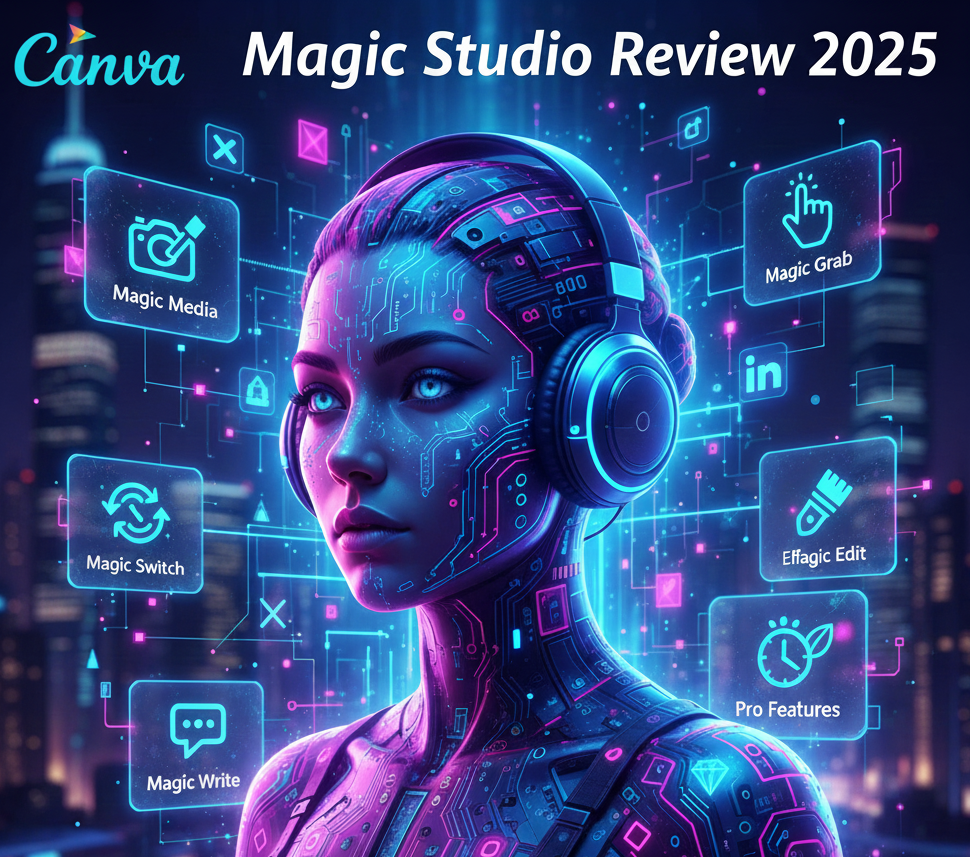
1. Magic Switch™: The Ultimate Time Saver Imagine creating a professional presentation and, with one click, turning it into a summarized blog post or a series of Instagram Reels. Magic Switch does exactly that. It handles the resizing and reformatting automatically, saving you hours of tedious manual work.
2. Magic Media: Text-to-Image and Video Powered by cutting-edge models like Stable Diffusion and Runway, Canva’s Magic Media allows you to generate unique images and short videos from simple text prompts. This is perfect for creating “stock photos” that don’t look like generic stock photos.
3. Magic Edit and Magic Grab Want to change the color of the shirt you’re wearing in a photo? Or move a tree from the left side to the right? Magic Edit allows you to “paint” over an area and describe what you want to change. Magic Grab allows you to pick up any object in a static photo and move it like a sticker.
Why Solopreneurs Should Care
As a solo business owner, your time is your most valuable asset. The “Magic Write” feature within the studio can help you brainstorm headlines or finish a caption when you have writer’s block. For those of us running SoloAIHub, tools like this are what make “going solo” actually sustainable.
Pricing: Is it Worth the Pro Subscription?
While Canva has a free version, Magic Studio’s best features are locked behind the Canva Pro plan. For around $12/month, you get full access to the AI suite. Given that a professional designer would cost hundreds of dollars per project, the ROI (Return on Investment) for a solopreneur is massive.
Pros and Cons
-
Pros:
-
Incredible ease of use (zero learning curve).
-
Unified platform (no need to jump between different AI tools).
-
Massive library of templates to start from.
-
-
Cons:
-
AI output can occasionally feel “generic” without manual tweaking.
-
Advanced designers might find the AI controls a bit limited compared to Photoshop.
-
Canva Magic Studio Review
Canva Magic Studio is a powerhouse for anyone looking to scale their visual content in 2025. It’s not just about making things look pretty; it’s about making things look professional in a fraction of the time. If you haven’t tried the AI features yet, you are leaving productivity on the table.